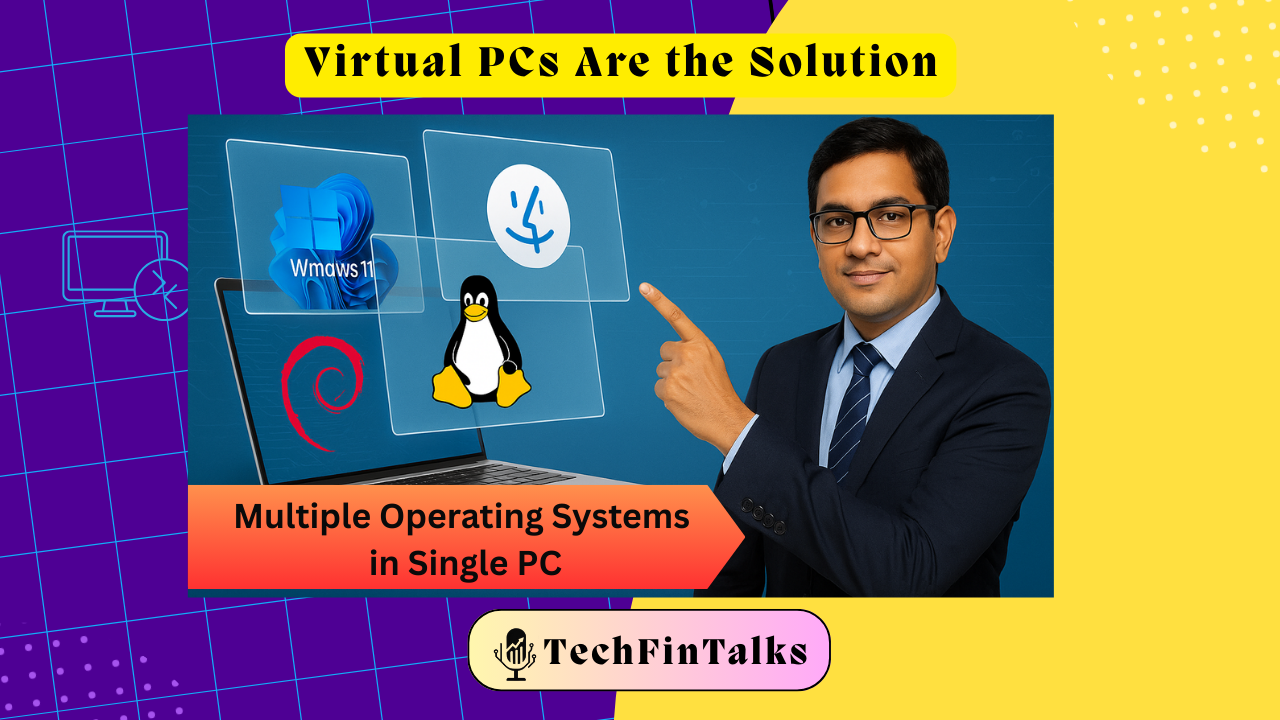
Imagine having multiple computers inside your single laptop – each one perfectly isolated, secure, and ready for any challenge. Welcome to the world of Virtual PCs, where chartered accountants are discovering game-changing possibilities.
The Morning That Changed Everything
Picture this: It’s 9 AM on a Monday. CA Priya receives an urgent email from a new client asking her to review their accounts using specialized software that only works on Windows 7. The problem? Her office runs Windows 11, and installing legacy software could crash her entire system. Meanwhile, her colleague Raj needs to test a suspicious tax software that a client insists on using, but he’s worried about malware infecting their office network.
Sound familiar? This is where Virtual PCs become a chartered accountant’s superhero cape.
What Exactly is a Virtual PC? (In Simple Terms)
Think of a Virtual PC as a “computer within a computer” – like having multiple offices inside one building, each completely separate and secure. It’s software that creates isolated digital environments where you can run different operating systems, test software, and work with clients without risking your main computer or network.
Why Every Modern CA Needs Virtual PCs: Real-World Benefits
1. 🛡️ The Ultimate Security Shield
The Problem: Third-party software from clients might contain malware that could cripple your entire practice.
The Solution: Test suspicious software in virtual environments first
If something goes wrong, simply delete the virtual machine – your main system stays pristine.
Real Example: A CA firm received accounting software from a client that seemed legitimate but contained ransomware. Because they tested it in a virtual environment first, they avoided a disaster that could have cost lakhs in recovery.
2. 🔄 Legacy Software Compatibility Made Easy
The Challenge: Clients using older versions of Tally, SAP, or government portals that only work on Windows 7/8.
The Magic: Create virtual machines with older operating systems specifically for these requirements. No more maintaining multiple physical computers!
3. 🌐 Safe Remote Access for Clients and Staff
The Game-Changer: Instead of giving clients access to your main computer, provide them with virtual machine access
You continue working on your primary system while they use the isolated environment.
Benefits:
- Client can’t access your sensitive files
- Zero risk of accidental system changes
- You maintain full control and monitoring
4. 📊 Multi-Client Environment Management
The Efficiency Boost: Create separate virtual environments for different clients, each with their specific software requirements and configurations. Switch between clients instantly without software conflicts.
Windows Sandbox: The Built-in Virtual PC You Didn’t Know About
Here’s a secret many CAs don’t know: Windows 10/11 Pro already includes a fantastic virtual PC feature called Windows Sandbox
What is Windows Sandbox?
Windows Sandbox is a lightweight, temporary virtual machine that creates a fresh Windows environment every time you open it
When you close it, everything disappears – it’s like having a digital notepad that auto-erases.
Perfect for CAs Because:
- Instant Setup: No complex configuration needed
- Always Fresh: Every session starts with a clean Windows installation
- 40GB Space: Enough room for most accounting software testing
- Completely Isolated: Cannot access your main system files
How to Enable Windows Sandbox:
- Go to “Turn Windows features on or off”
- Check “Windows Sandbox”
- Restart your computer
- Search for “Windows Sandbox” and launch it
Top Free Virtual PC Software for Chartered Accountants
1. VirtualBox (Oracle) – The Completely Free Option
- Cost: Absolutely free
- Best for: Learning, testing, small-scale use
- CA Benefits: Perfect for testing client software and running multiple OS versions
2. VMware Workstation Player – The Performance Champion
- Cost: Free for personal use
- Best for: Better performance than VirtualBox
- CA Benefits: Smoother experience with resource-heavy accounting software
3. Hyper-V (Microsoft) – The Windows Integration Master
- Cost: Free with Windows Pro/Enterprise
- Best for: Windows-centric accounting environments
- CA Benefits: Deep integration with Windows networking and security features
Real-World Use Cases for Smart CAs
Scenario 1: Client Software Testing
Before installing any client-provided software, run it in a virtual environment. This prevents potential malware from accessing your client database, financial records, or spreading through your network.
Scenario 2: Government Portal Compatibility
Many government portals work only with specific browser versions or operating systems. Create dedicated virtual machines for GST filing, income tax portals, and other compliance requirements.
Scenario 3: Training and Learning
Test new accounting software, explore different versions, or train junior staff in isolated environments without affecting your production systems.
Scenario 4: Secure Client Collaboration
When clients need to access your systems for collaborative work, provide them virtual machine access instead of your main computer. They get what they need; you keep everything secure.
Minimum Requirements for Smooth Virtual PC Experience
- RAM: 16 GB minimum (8 GB for host + 8 GB for virtual machines)
- Processor: Modern multi-core CPU (i5 or equivalent)
- Storage: SSD recommended for better performance
- Internet: Stable connection for software downloads and updates
Pro Tips for CA Firms
- Create Standard Virtual Machine Templates: Set up pre-configured VMs with common accounting software for quick deployment
- Regular Snapshots: Take snapshots of stable VM configurations before major changes
- Network Isolation: Keep virtual machines on separate network segments for enhanced security
- Backup Strategy: Include virtual machine backups in your disaster recovery plan
The Bottom Line
Virtual PCs aren’t just tech luxury – they’re becoming essential tools for modern accounting practices. They offer security, flexibility, and efficiency that can transform how you handle client work, software testing, and remote collaboration.
Ready to future-proof your CA practice? Start with Windows Sandbox if you have Windows Pro, or download VirtualBox for a comprehensive virtual PC experience. Your future self (and your clients) will thank you for the foresight.

Chartered Accountant | Techies | AI Enthusiast | RPA | Unlocking Digital Success Incognito | Google AdSense & Programmatic Ads | Dancing Meditator | Nature Trekker⛰️